My Tea Cupboard
A platform for tea enthusiasts to track their tea collections and share their favorite teas with others.
Project Purpose & Goal
I wanted to build something without relying on frameworks or AI. Just me, core HTML, CSS, and vanilla JavaScript.
The goal was to prove to myself that I understood the fundamentals and could create a complete, functional app from scratch. No React, no libraries, no shortcuts. If something broke, I had to fix it. If something needed to work, I had to figure out how.
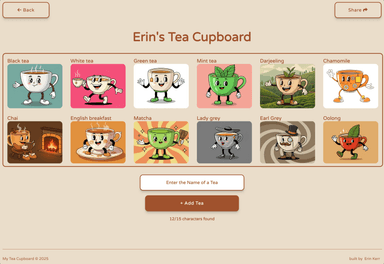
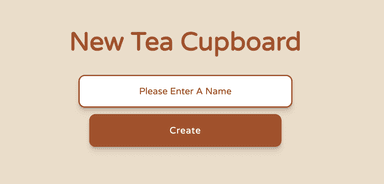
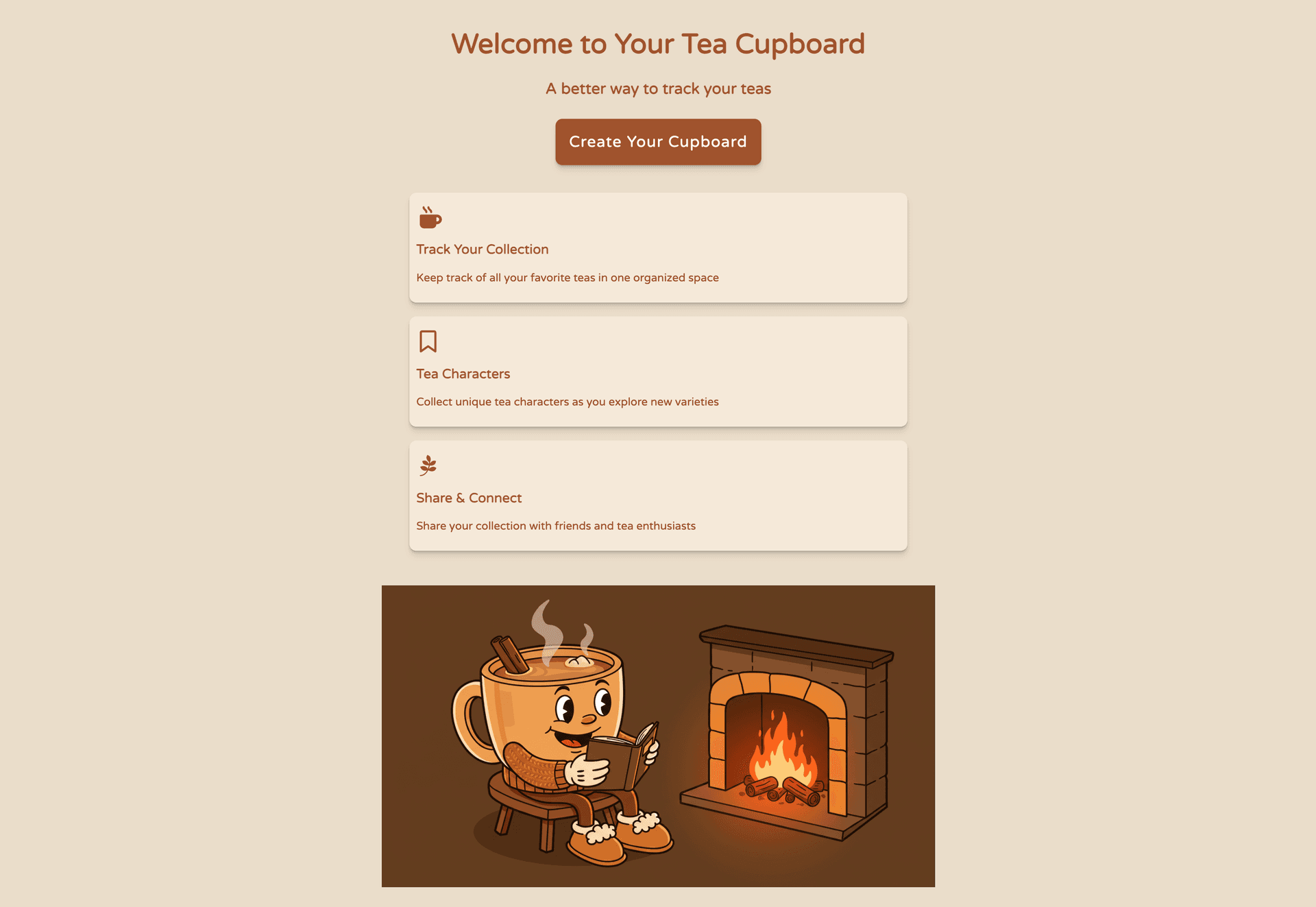
The app lets users track their tea collection, create a personal cupboard, and collect unique tea characters along the way. I chose Local Storage to keep it simple. No backend, no database, just the browser. It felt like the right fit for something that was meant to be lightweight and self-contained.



Stack & Explanation
My Tea Cupboard is intentionally minimal and highlights a fundamental approach
to web development, focusing on core web technologies before introducing more
complex tools like frameworks or databases.
HTML Provides the fundamental structure and content of the webpage. CSS Manages the
styling and visual presentation, including layout, colors, and fonts.
Vanilla JavaScript Handles all the interactive elements and application logic without the
use of external libraries or frameworks.
This includes features like adding, editing, and deleting tea entries.
Local Storage is a browser feature that allows websites to
store key-value pairs locally on a user's machine.
It's used here to save the list of teas so they persist even after the user closes the browser.
I chose GitHub Pages A free hosting service from GitHub that serves static websites directly
from a repository. It's perfect for projects like this that don't require server-side processing.
Problems & Thought Process
Without a framework, I had to manually handle everything that React normally does for you. DOM updates, event listeners, keeping what's on screen in sync with what's actually stored. Every time a user added, edited, or deleted a tea entry, I had to think through the full flow: capture the action, update Local Storage, then re-render the right part of the page.
Local Storage came with its own set of gotchas. Everything has to be stored as strings, so I was constantly dealing with JSON.stringify and JSON.parse. I had to figure out a data structure that could handle adding, editing, and deleting entries reliably without things breaking or data getting wiped unexpectedly. It forced me to be deliberate about how I organized the data instead of just relying on a database to handle that for me.
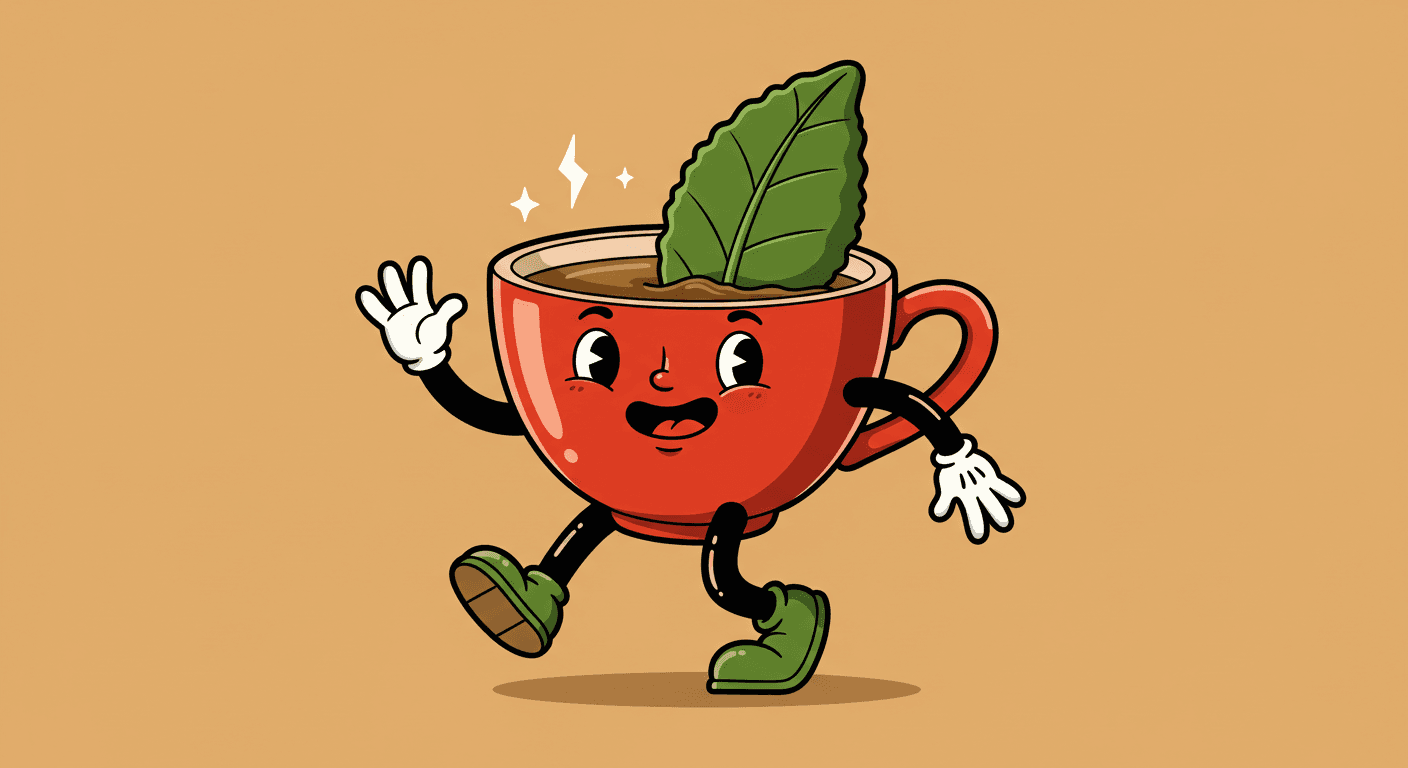
The tea characters were another challenge entirely. That was my first time doing prompt engineering to get consistent AI-generated art. Getting all the characters to look like they belong in the same world took a lot of iteration. I had to learn how to write prompts that produced a cohesive visual style, not just individual images that looked good on their own.
Lessons Learned
This project gave me a real appreciation for what frameworks abstract away. DOM manipulation, state syncing, data persistence patterns. When you have to do all of that yourself, you understand why tools like React exist. But you also realize that none of it is magic.
Every line of code in this project is mine. No AI-generated code, no framework doing the heavy lifting behind the scenes. That feeling of knowing I built something entirely on my own reinforced my confidence in my own abilities as a developer.
I also learned that Local Storage has real limitations. Size limits, string-only storage, no querying. But for the right use case, it gets the job done without overcomplicating things.
The prompt engineering for the tea characters ended up being one of my favorite parts of the project. Getting consistent AI-generated visuals is its own skill, and it was a fun creative challenge alongside the technical work.
Most importantly, understanding vanilla JavaScript at this level made me a better developer when I went back to using frameworks. They feel less like magic and more like tools now.